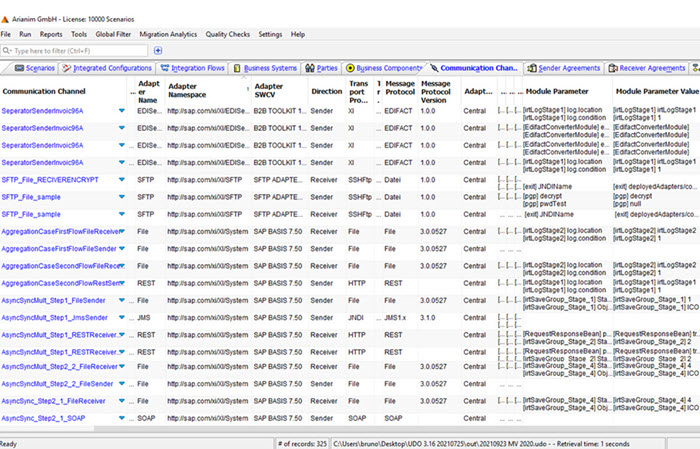
Cut Migration Time by 70% and Eliminate Risk with Automated Interface Discovery and Mapping Extraction
____ Easy to use
Simple installation, easy to use, packed with features
UDO, written in Java, is installed on your client computer – it takes just minutes to configure host and user credentials. You can then quickly run your first extract, which takes one or two minutes.
____ Easy to use
Generate interface documentation with just a few clicks
Automatically generate your PI/PO interface documentation, including mass generation of all your interfaces, and with your own company logo. And within minutes, instead of days, weeks or months – terrific value for large installations.
____ Easy to use
Message Mapping Comparison
Within PI/PO, its difficult to determine how mappings differ. With UDO you can easily compare any message mapping with any other message mapping. Even across different PI/PO systems.
____ Easy to use
Group all Message Mappings by Similarity
Harmonise interfaces before migrating to a new integration platform using UDO’s powerful Message Mapping Similarity Analysis. Quickly analyse all message mappings and group them by similarity – then review the mappings and clearly display the differences with UDO’s Message Mapping Comparison.